happydaytrader
Member
- Joined
- Oct 12, 2025
- Posts
- 8
- Likes
- 2
Hello,
I accidentally posted this in the mac section, but realize it is across platforms.
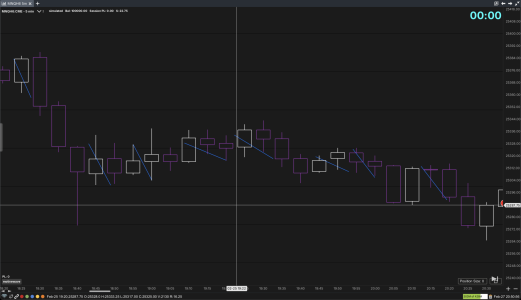
The setting to make the ruler tool remain visible after clicking elsewhere seems to have been removed from version 7?
Perhaps I am missing the new location, but I still need a way to draw a ruler type line on the chart, showing the difference in ticks or price between the two locations.
Can this be done, or is this feature for some reason removed in Version 7?
Thank you,
Mike
I accidentally posted this in the mac section, but realize it is across platforms.
The setting to make the ruler tool remain visible after clicking elsewhere seems to have been removed from version 7?
Perhaps I am missing the new location, but I still need a way to draw a ruler type line on the chart, showing the difference in ticks or price between the two locations.
Can this be done, or is this feature for some reason removed in Version 7?
Thank you,
Mike